Everything About Embroidery File Formats Explained By A Northern California Embroiderer

Written By
Anna Freeman
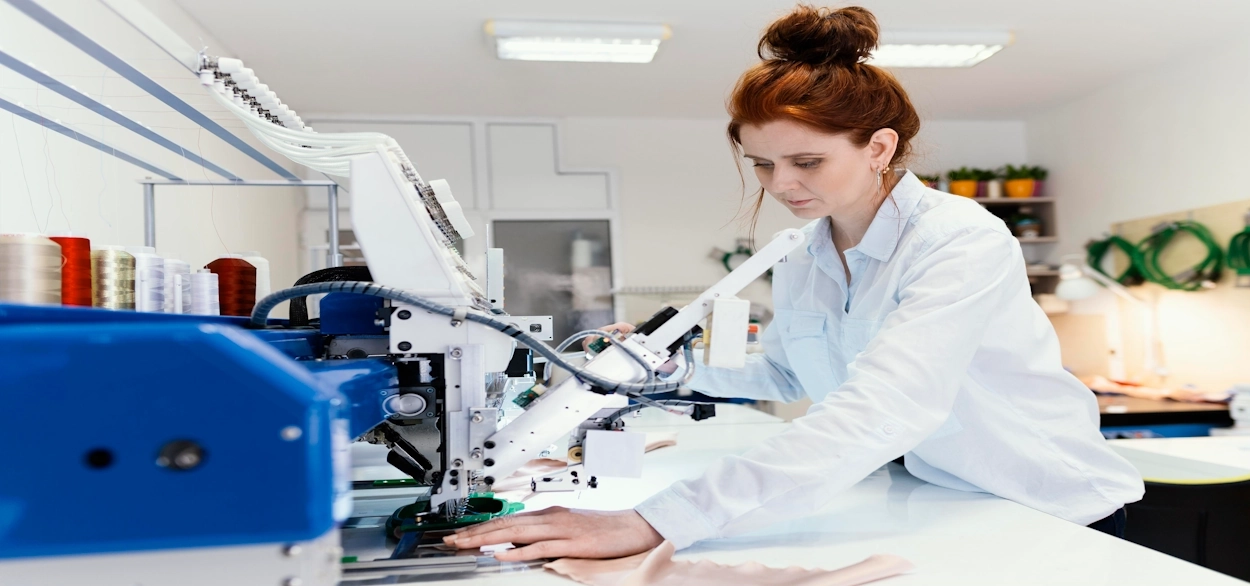
Has it ever happened to you that you sent a logo or design to an embroiderer and they told you the file format isn’t correct?
Well, it’s not just you. As an embroiderer myself, I can tell you a lot of my clients send their logo in the wrong file format.
And this isn’t a problem in itself as it is the embroiderer’s job to create the right file format before stitching. But if you want to create a file format for your custom embroidered apparel yourself, or you are a hobbyist who is starting out, wrong embroidery file can delay work.
Now, I understand that choosing the right file format for embroidery can be difficult. More so if you are creating an embroidery file for the very first time.
This is exactly why I have explained all embroidery file format types in this blog, including their uses.
So, read on to know how to choose the right file format for your embroidered apparel.
Key takeaways
- DST is a common embroidery machine file format in commercial embroidery.
- PES is a file format commonly used with Brother embroidery machines.
- SVG and EPS are vector artwork formats. These are not machine-ready embroidery files.
- The ideal embroidery file format depends on the machine the embroiderer is using.
What is an embroidery file format?
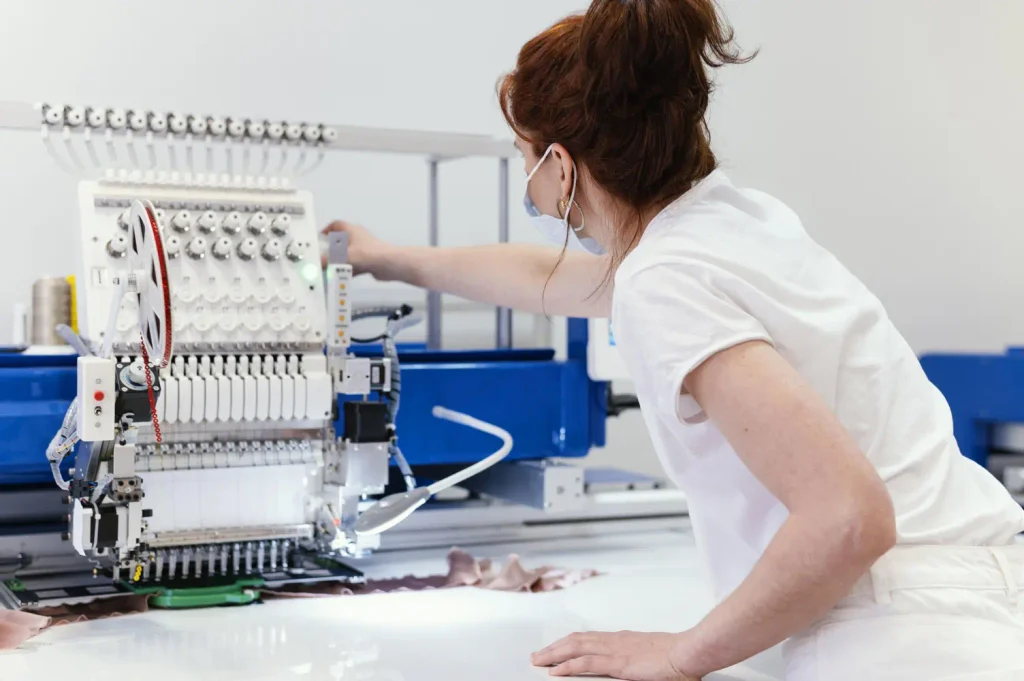
An embroidery file format stores all the instructions that an embroidery machine will follow to stitch a design on apparel. Here, the instructions to the machine include where to stitch, which direction to move in, when to stop, and when to change colors.
You see, the logo or design you want to get stitched on your apparel is simply an image. An embroidery file, however, is a detailed set of instructions that a machine will follow to stitch your design on an apparel.
Now, different file formats for embroidery store different kinds of instructions. For instance, some files have only basic stitch instructions like where to move or stitch while others have way more design and color details.
What are the most common embroidery file format types?
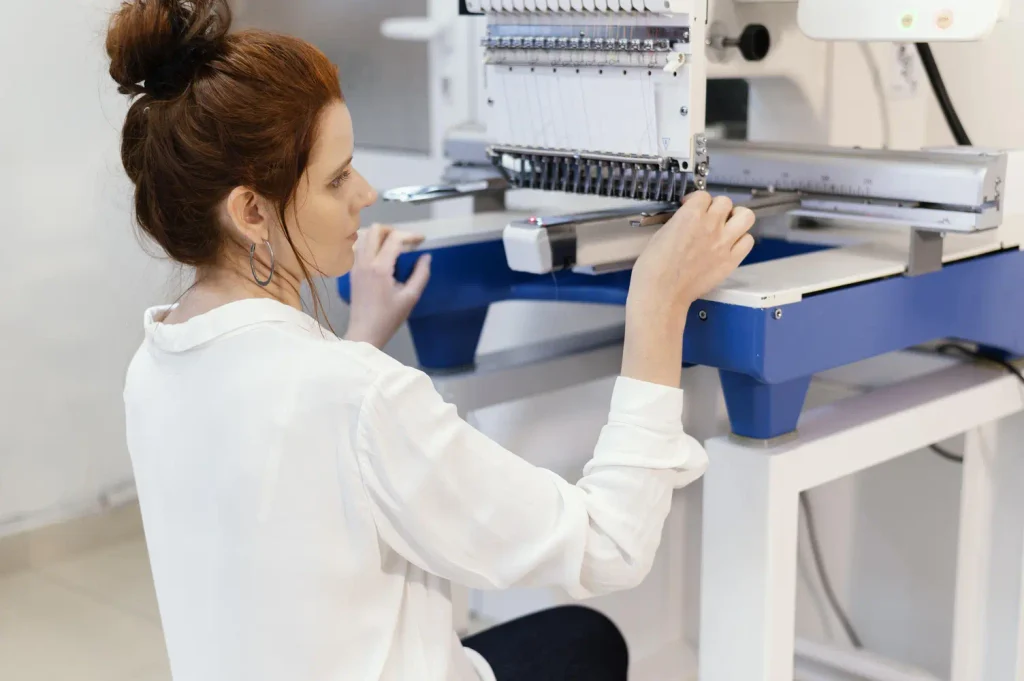
While there are various embroidery file types, not all are equally popular or useful. Here are some of the most common file formats that we at 5 Star Apparel, and other California-based embroiderers, use:
| File format | What it is used for |
| DST | Commercial embroidery machines and production workflows |
| PES | Brother machines and some compatible Baby Lock workflows |
| EXP | This is associated with Melco embroidery systems |
| JEF | Janome and certain Elna embroidery machines |
| ART | Bernina embroidery workflows |
| HUS, VIP, VP3 | Used by Husqvarna Viking and Pfaff-related machines and software |
| EMB | Wilcom’s native design format for editing embroidery designs |
| SVG, EPS | Vector artwork that can be used as a starting point for digitizing |
Embroiderer’s tip: The compatibility of embroidery files differ by machine model, software version, and file version. So, if you are a hobbyist or beginner just starting out with digitizing for embroidery, my advice is to check the machine manufacturer’s instructions before using a file.
Alright, now let’s have a look at each embroidery file format type in detail:
#1. DST file
DST is one of the most common embroidery file formats and it is used big time in commercial-grade embroidery. This format stores stitch instructions for a compatible embroidery machine to read and stitch.
But that said, DST file for embroidery is not very reliable when it comes to preserving a full thread-color palette. Meaning the embroidery machine operator will still need to manually assign thread colors.
#2. PES file
PES file format is used mostly with Brother embroidery machines, among other compatible machines. It is an upgrade over DST in the sense that it can preserve all stitch instructions and embroidery design data, including thread colors.
Note: Not every Brother embroidery machine supports PES file for embroidery. So do check your machine’s exact file requirements.
#3. EXP file
EXP file format is something most embroiderers using Melco embroidery machines opt for. Also, it is used by some other commercial embroidery machines.
In terms of storing stitch instructions, it is similar to the DST format. Meaning you will need to add thread colors separately or through an additional file.
#4. JEF file
JEF is a machine-readable embroidery file format used by Janome and some Elna embroidery machines. It stores stitch information that guides these machines how to sew a design.
#5. ART file
ART file format is used by Bernina embroidery machines and software. It works similar to other embroidery files in terms of storing stitch information.
Since the exact capabilities of this file format differs for different file versions and Bernina softwares, I suggest you check your exact version for specific details.
#6. HUS file
HUS file format is used by Husqvarna Viking embroidery machines as well as some older embroidery softwares. It stores basic stitch instructions for the embroidery machine.
Note: A HUS file might not work with every Husqvarna Viking machine. Depending on the machine’s model, you might need to convert the file into another format that is supported.
#7. VIP and VP3 files
VIP and VP3 are embroidery formats used by some Husqvarna Viking and Pfaff embroidery machines and software. Their capability to store stitch instructions can be different for different embroidery software, but you can expect them to cover the basics.
#8. EMB file
EMB is Wilcom’s native embroidery design format. And it does a lot more than other embroidery file types that just store basic stitch instructions.
For instance, this file format preserves editable design information and lets you make changes to things like shape of design, type of embroidery stitches, and other design settings. This comes super handy when your embroidery design needs adjustments.
#9. SVG and EPS files
SVG and EPS are vector artwork formats, not standard machine-ready embroidery formats. They detail the shapes and lines in an embroidery design. This makes them useful for logos and other graphics that need to be resized without pixelation.
However, embroidery machines need file formats with clear stitch instructions and not merely artwork. This means although you can use SVG and EPS for embroidery design making, you will need to digitize your design before stitching. Digitizing is what converts the design into clear stitch instructions.
Embroiderer’s tip: SVG and EPS artwork formats are quite beginner-friendly. So if you are just starting out, you can create your embroidery design in SVG or EPS formats to your embroiderer. The embroiderer can then digitize your design and turn it into embroidered logos or patterns on your apparel.
Bonus: Here’s how to choose your ideal embroidery machine file format
| Your situation | What to use |
| You are running a commercial embroidery job | DST is ideal for commercial workflows. But I suggest you stick to the machine-ready format required by your production software. |
| You’re using a Brother machine | A compatible PES file for embroidery. Choose another format only if it is supported by your machine. |
| You want to edit the design later | EMB file is ideal, Do keep the original native embroidery file in a compatible software. |
| You want a business logo embroidered on apparel | Create your best-quality logo artwork using SVG or EPS. Your embroiderer should take it from there. |
| You are preparing artwork for digitizing | Choose a clean vector file, like EPS, SVG, or PDF. |
Can you convert one embroidery file format to another?
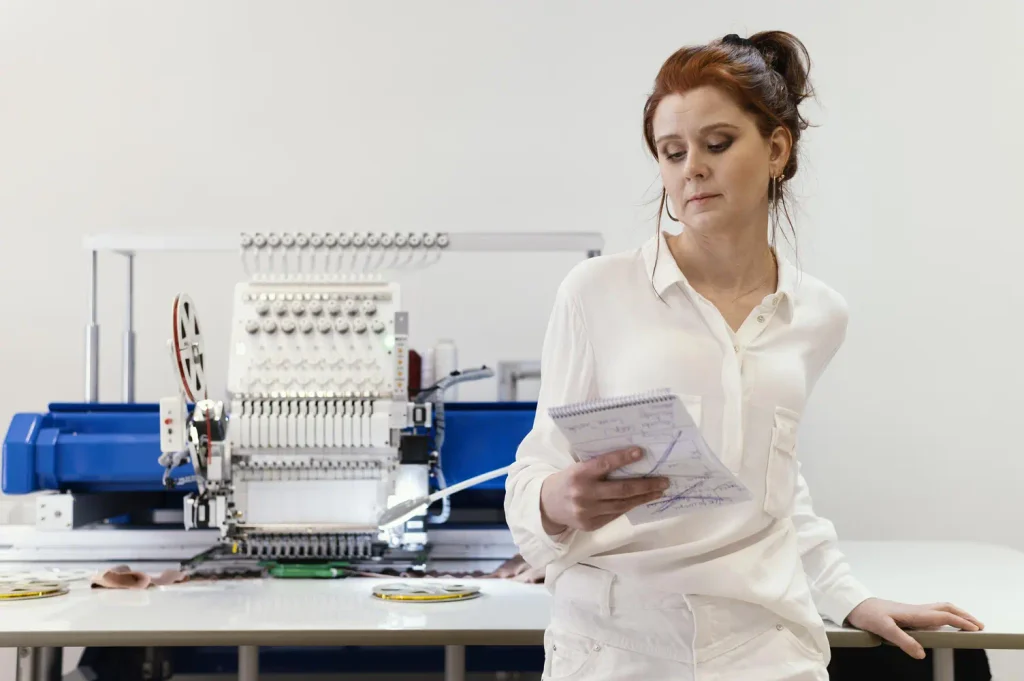
Yes, you can. A compatible embroidery software can help you convert a file format. But it might not preserve all the details as in the original.
For instance, if you convert a native design file into a stitch file, it can remove some editable information.
So do check for things like design size, stitch appearance, color sequence, and compatibility with the embroidery machine after conversion. Also, I suggest you preserve the original file if possible.
Frequently asked questions about embroidery file types
What file type is needed for embroidery?
The embroidery file format you need depends on the embroidery machine and workflow. For instance, commercial embroidery uses DST file for embroidery, while Brother machines use PES file for embroidery.
What is the most common embroidery file format?
DST is the most common embroidery machine file format in commercial embroidery. However, other formats like PES, EXP, and EMB are also very common.
Is DST or PES better for embroidery?
Neither is better. DST is used in commercial production, while PES is used for Brother embroidery machines.
Can you embroider an SVG file?
Not directly. SVG is a vector artwork format, so it needs to be digitized into machine-readable stitch instructions.
Can a JPG or PNG be converted for embroidery?
Yes. These image formats can be used as starting artwork for digitizing.
Can I change the size of an embroidery file?
You can resize many embroidery designs. But just enlarging or shrinking a finished stitch file can affect stitch density and design quality. Bigger size changes need adjustments or re-digitizing.
To sum up
I am sure that you now have a clear idea about all the embroidery machine file formats out there. Also, you should now be able to choose the right file format based on your embroidery machine and software.
You see, choosing an embroidery file format isn’t very difficult. Just know what you want between digitizing your artwork, creating a machine-ready stitch file, or an editable embroidery design.
Got more questions or need custom embroidered apparel?
You can get in touch with us!
At Five Star Apparel, we are seasoned Northern California embroiderers creating high-quality custom embroidered apparel. Whether you need custom embroidered hats, shirts, jackets, or other branded items, we offer top-notch workmanship. The best thing: There’s no minimum order volume, order just a few or hundreds.
Anna Freeman is the owner of 5 Star Apparel. With over 20 years of industry experience, she brings expert insights on embroidery, screen printing, and branded apparel, helping businesses and organizations bring their ideas to life with confidence and style.